
Because You Give: The Story Block That Shows Your Church What Its Giving Did
 Reed VerdesotoDigital Systems Architect
A church I worked with renovated the bathroom by its front door, and people were upset.
They didn't know why it happened. What most of them didn't see was that all week long, neighbors coming in off the street walked through that door and used that bathroom. The church had turned it into a real way to take care of them.
Nobody told that story. So people filled in their own.
When the church finally told it, the mood flipped. People were excited about that bathroom. Nothing about the bathroom changed. The only thing that changed was that people heard the story.
That's the whole reason this post exists. People support what they understand. If your church never tells them what their giving did, they'll guess, and the guess is usually worse than the truth.
Why "Because you give" exists
Most of your church will never touch most of your ministries. Someone without kids in elementary school will never see what happens in that room. Someone who never goes on a mission trip will never meet your missions partner. They still give. They still pray. They deserve to hear what's happening.
The usual answer is "put it on the blog." But you put it on a blog and nobody reads it. Facebook doesn't fix it either, because the people seeing it aren't always your people.
So I build one short story block, called "Because you give." Every week, someone in the church writes about 200 to 250 words on what happened because people gave their time, their talent, their treasure, or simply showed up. Then the system puts that story everywhere your people already look.
It isn't a fundraising pitch. It's proof. Here's what happened because you gave.
Four ways to decide who writes
My rule of thumb for any church: one person writes one story a month. Stagger four of them and the church hears something new every week. How you choose those four voices is up to you. Here are four lenses that work. Pick one, or rotate them.
By person: Pastor, Missions, Worship, Ministry
The person lens gives four voices one slot each month: your pastor, your missions lead, your worship leader, and one ministry leader (kids, youth, groups, care, rotating). Your worship leader can write the month's worship words. Missions can share what a partner is seeing. Everyone writes as the church, not as a department, so it reads as one family telling one story.
By theme: Time, Talent, Treasure, Testimony
Example, not a real event: picture one month of stories in the kids ministry. Week one: because you gave your time, these kids were able to experience this. Week two: because you gave your talents, the kids were able to worship. Week three: because you gave, the kids were able to do this. Week four: because this person knew Jesus, a family came back.
The theme lens works when your writers are the same few people every month. The ministry doesn't change. The angle does. Time is the volunteers. Talent is the gifts people brought. Treasure is what your church's giving made possible, told as a story, never as a number. Testimony is a life that changed.
By purpose: Worship, Grow, Share, Serve
A school told a church something it didn't expect. A lot of its kids didn't have their own bed. They slept on the couch, and they didn't have their own pillow.
The church had been guessing at what families needed. So it asked the school instead. Then it made Thanksgiving care packages, each with a pillow, a family card game and an invitation to church, and the school handed them out. Kids who slept on the couch got a pillow of their own, from a partner they already trusted.
That's a Serve story with a Share story inside it. The purpose lens rotates your church's purposes through the month, so people hear about worship, growth, outreach and service, not just the loudest ministry. (If your church uses five purposes, add Connect and let it rotate.) And it carries a lesson every church can use: ask the partner what they need before you give. That's also the heart of a good serve page.
By budget: your biggest ministries, plus one that rotates
Example, not a real event: picture opening your church app on a Tuesday and hearing from your missions partner in a 90-second interview. You didn't go looking for it. It was just there, in the weekly update and in your pocket.
Nobody goes to your missions page. That's not a knock on your missions team. People just don't know it was updated. The budget lens fixes that by giving the ministries your church puts the most into a standing story every month, plus one rotating slot for everything else. You don't need to mention a single number. The point is that people hear from the places their giving goes most, and from a smaller ministry they'd never think to ask about.
How to set it up in Subsplash
You don't need a new tool. You need one blog category and a few blocks.
1. Create the category. In your Subsplash website, open the blog and add a category called "Because you give." Every story gets this one category. I call it the tag, because once a post has it, everything else happens on its own.
2. Place the story where people already are. Add a blog block filtered to that category on the pages people actually visit: your Give page, your digital weekly update, and your serve, care, children's and community pages. Set the weekly update to show the newest story. Put it above the signups, so people scroll past this week's story on the way to the potluck form.
3. Point the app and the email at it. Add the category to your app (a button or a featured spot) and let your weekly email pull the most recent story. Send a push notification on story day. If your pushes aren't landing, check this first.
4. Keep it to 200 to 250 words. 250 words is 90 seconds of reading. That's all people want to do. One story, one photo, one "because you gave." Follow your church's photo and privacy policy, especially with kids. A consistent photo rhythm makes this easy.
5. Stagger the writers. Four people, one story a month each, one week apart. Writers send their story to your admin, and your admin schedules one every Tuesday. Nobody carries the whole month, and the church hears something new every single week.
That's it. You tag one story once, and it shows up on the Give page, in the weekly update, in the email, in the app, and in a push notification. You never touch those pages again. Managing your site after launch gets a lot lighter when the stories update themselves.
Subsplash has a good piece on sharing testimonies that inspire generosity. This is the system that gets those stories in front of everyone, every week.
What changes after a few months
These stories pile up. Week after week, you build a library of what God is doing in your church, in your people's own words. New people read it and learn who you are. Long-time members finally see the ministries they'll never step into. And your Give page stops being a form and starts being proof.
Start this month
Don't wait for a perfect plan. Pick one lens. Ask four people for one story each this month. Create the category, place the block, and schedule the first story for next Tuesday.
You already have the stories. Your church just hasn't heard them yet.
What's one thing your church did this year that most people never heard about? Write that one first.
Want help setting it up? Book a 30-minute exploration or bring your questions to the Subsplash Community Help Resource group, with 2,200+ members: https://www.facebook.com/groups/400659748163922
FAQ
What is a "Because you give" story?
A short post, about 200 to 250 words, that tells your church what happened because people gave their time, talent, treasure or testimony. It's tagged with one blog category so it shows up on your Give page, weekly update, email and app automatically.
How long should each story be?
200 to 250 words. That's about 90 seconds of reading, which is as long as most people will read on a phone.
Who should write them?
One person writes one story a month. Choose four writers by person (pastor, missions, worship, ministry), by theme (time, talent, treasure, testimony), by purpose (worship, grow, share, serve) or by your biggest ministries plus one rotating slot.
How often should we post?
Once a week. Stagger four monthly writers a week apart and your admin schedules one story every Tuesday.
Do the stories need to talk about money?
No. Tell what happened, not what it cost. A story about kids getting their own pillow in a Thanksgiving care package says more than any number.
Where does the story show up in Subsplash?
Anywhere you place a blog block filtered to the "Because you give" category: the Give page, the weekly update, ministry pages, the app and the weekly email. Add a push notification on story day.
What if nothing big happened this month?
Something did. A volunteer showed up, a song landed, a family came back. Small stories count, and they're often the ones people remember.

Read More
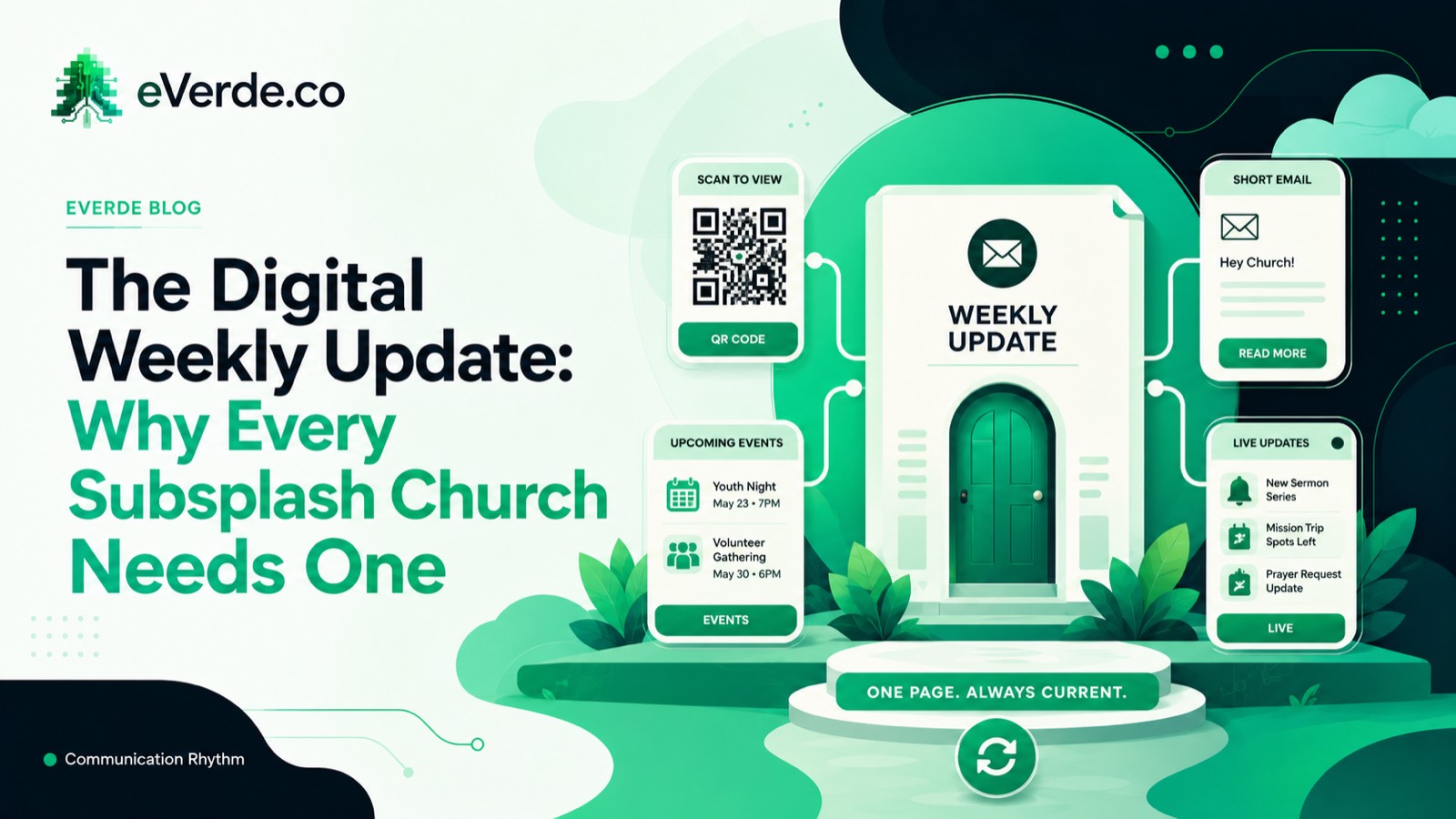
The Digital Weekly Update: Why Every Subsplash Church Needs One
Here is a trick question: when does a paper bulletin go out of date? The answer is when you hit print. When does an email go out of date? When you hit send. A digital weekly update never goes out of date as long as you update it.
Read more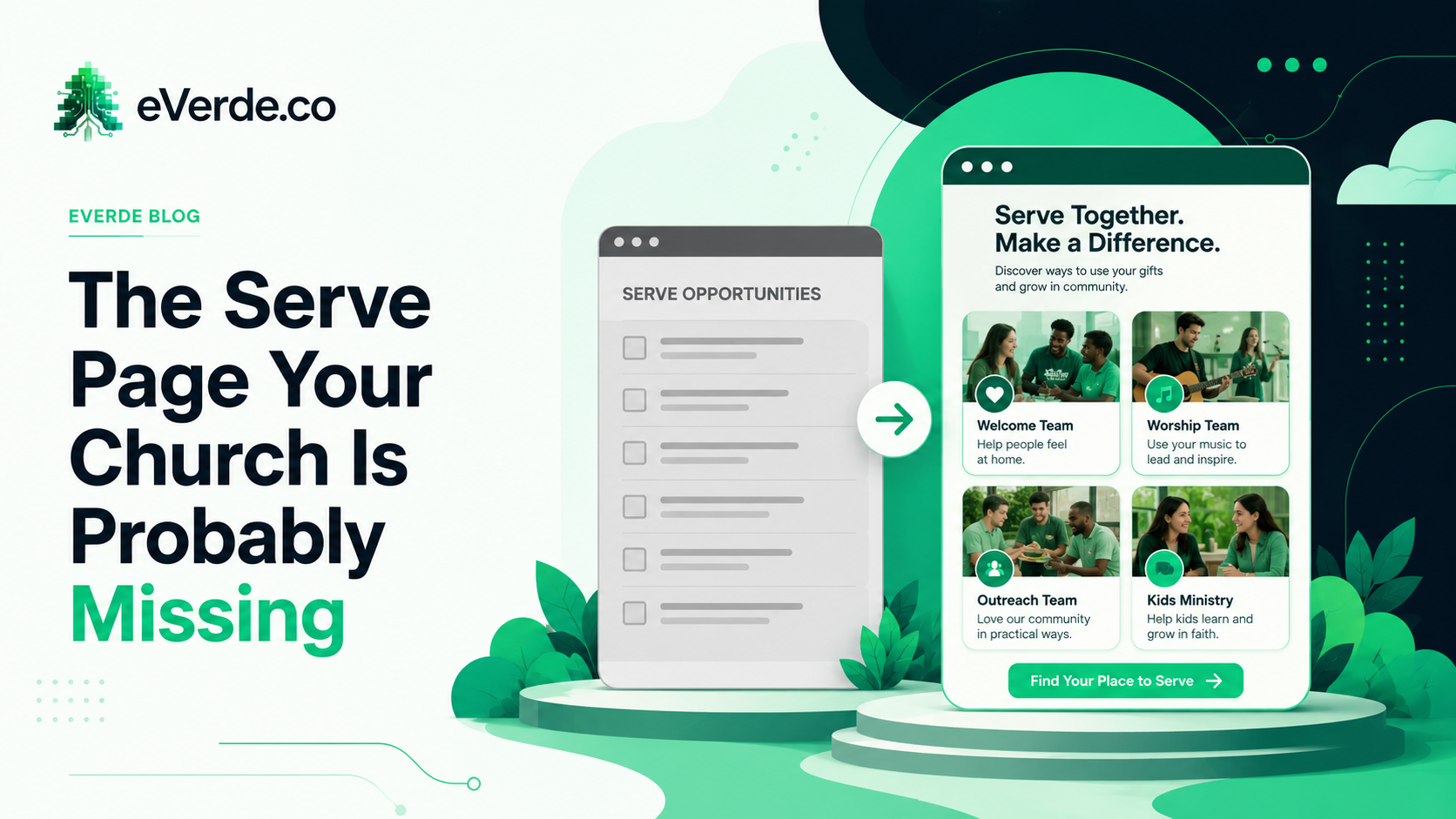
The Serve Page Your Church Is Probably Missing
If your serve page is a list of volunteer roles, you are recruiting with a spreadsheet. People do not sign up for tasks. They sign up for belonging.
Read more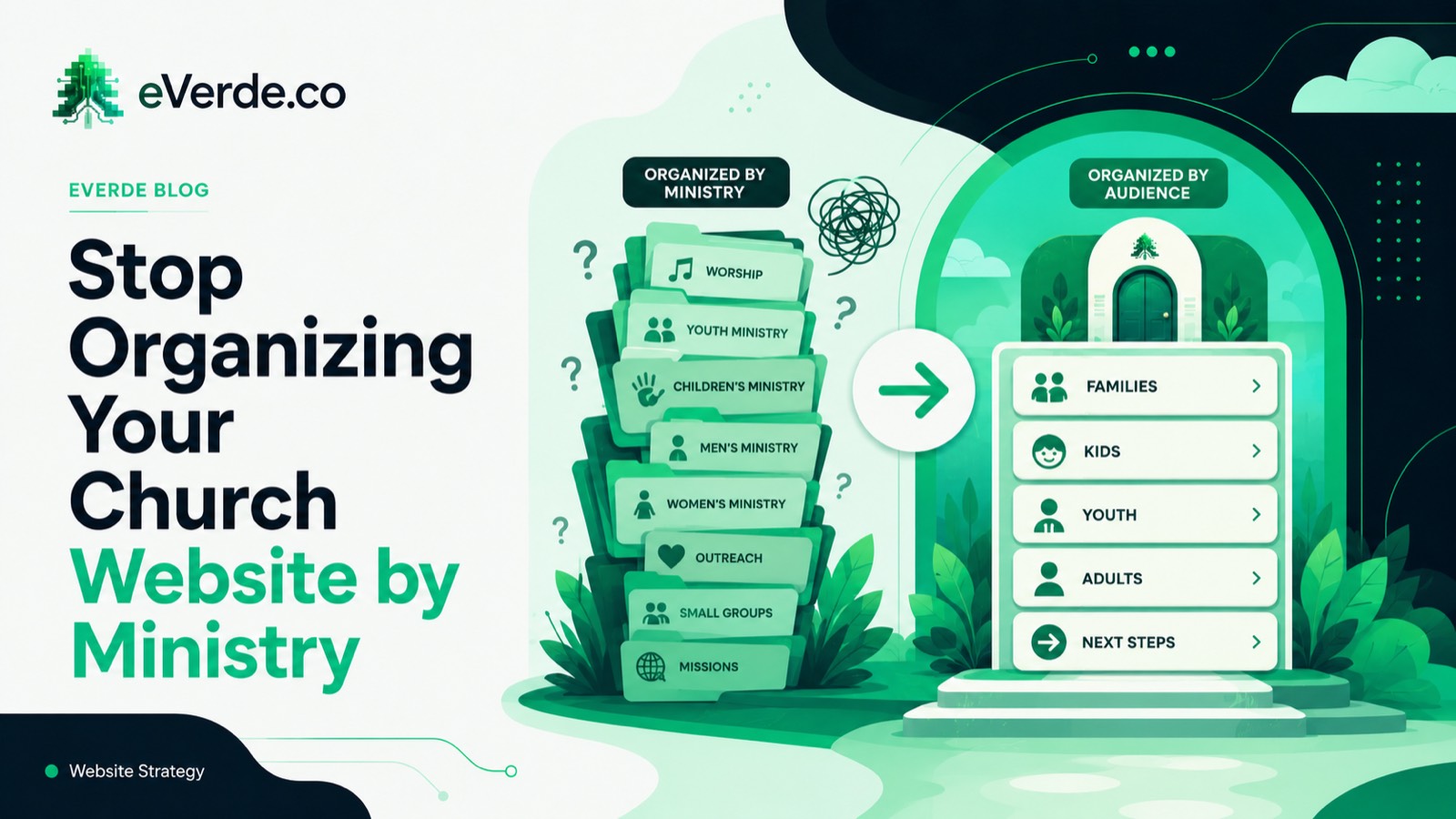
Stop Organizing Your Church Website by Ministry
Most church websites are organized by ministry. This makes perfect sense to the staff. It makes zero sense to the person visiting your website for the first time.
Read moreAbout Reed Verdesoto
I'm Reed Verdesoto, an independent Subsplash architect. I've built custom apps, websites, and communication systems for 500+ churches, ministries, and organizations, and I help teams turn a scattered digital presence into one that actually works and keeps working.
If something on your setup feels broken, disconnected, or harder than it should be, reach out. I'd rather have a real conversation about what you're dealing with than sell you a package.
Get in touchOriginally published on reedverde.com