
How to Use Subsplash Fill In Notes With ChatGPT and Pulpit AI
 Reed VerdesotoDigital Systems Architect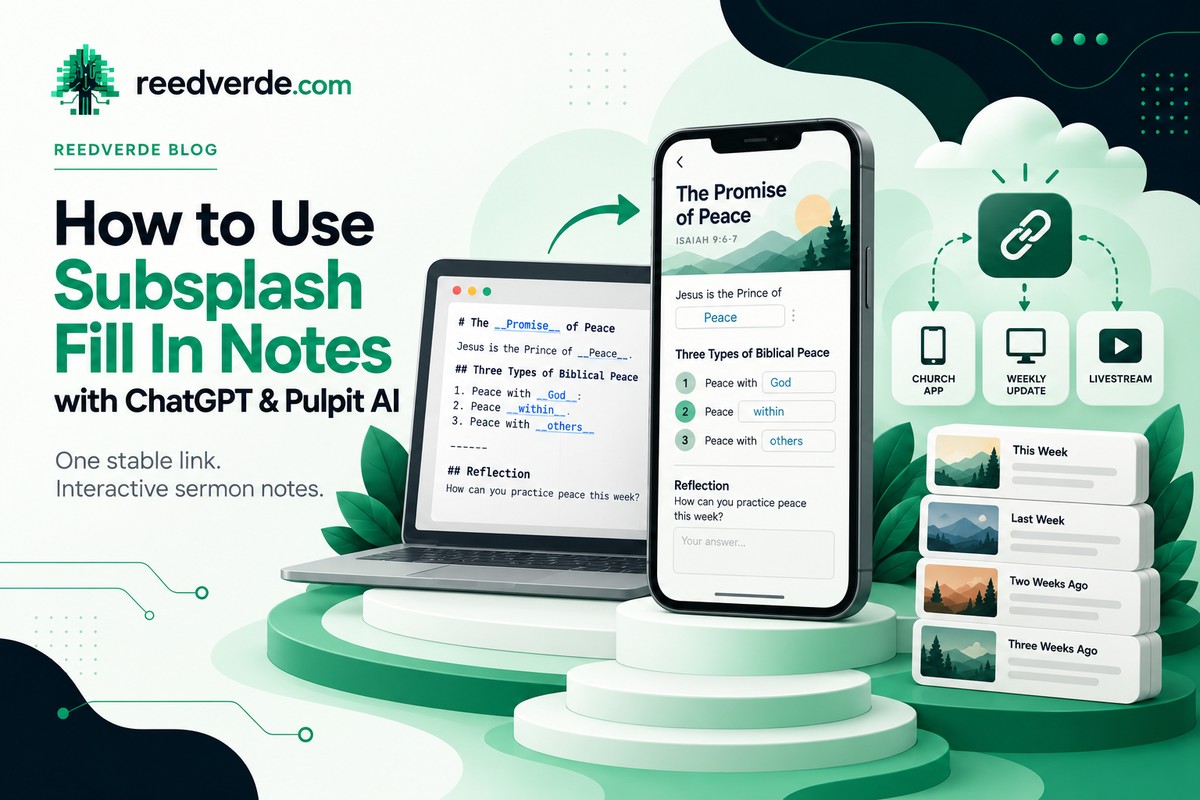
Here is the good news. Most churches already have everything they need to create interactive sermon notes. What usually eats the time is replacing the same link every single week. Let Pulpit AI and ChatGPT do the heavy lifting on creation, and let Subsplash handle the interaction and the archive.
Start With the Link You Never Have to Change
In Subsplash, go to Fill In Notes and open Apps. There you will find a Latest published URL. That link always opens the newest published note across all of your collections, so you set it once and never touch it again.
Link it from your church app, your Weekly Update or Connection Point, your livestream, your bulletin, or a QR code. Keep one distinction clear. The latest published link is dynamic and always moves to the newest note. Each individual note also has its own share URL, and that one always points to that single note.
Let ChatGPT Build the Interactive Notes
Subsplash Fill In Notes use a custom syntax that looks a lot like Markdown. To create a blank, wrap the answer in double underscores. Here is a short example you can paste in as is.
# The __Promise__ of Peace
Jesus is the Prince of __Peace__.
## Three Types of Biblical Peace
1. Peace with __God__
2. Peace __within__
3. Peace with __others__
------
## Reflection
How can you practice peace this week?
You can also use # and ## for headings, two asterisks around text for bold, > for quotes, six hyphens for a divider, [text](url) for hyperlinks, and a small amount of HTML such as <sub> and <cite>.
See the Finished Subsplash Fill In Notes Example
That example is an individual note URL. It always opens that one note, which is different from your latest published URL.
Combine Pulpit AI and ChatGPT
Before Sunday, give ChatGPT the sermon manuscript and slides so the notes are ready when people walk in. After Sunday, use Pulpit AI to turn the recording into follow up resources. Here is a prompt you can copy.
Create Subsplash Fill In Notes from the attached sermon manuscript, slides, or Pulpit AI text. Preserve the pastor's voice, teaching sequence, Scripture, and theology. Use # and ## headings. Wrap answer words in __double underscores__ for interactive fields. Use **bold**, > quotations, a ------ divider, and Markdown links. Include the sermon title, main Scripture, teaching points, meaningful blanks, reflections, and a practical response. Keep it phone friendly and concise. Never invent quotes or Bible references. Return one code block containing the complete Subsplash ready source.Read every line of the result before you publish. The pastor should recognize every word as their own.
Build Once, Publish Sunday, Preserve Forever
On Thursday, collect the slides and manuscript. Generate the source and create a new scheduled Fill In Note. Preview it and schedule it for Sunday at 8am. Make sure your permanent latest published URL is already in your app and livestream.
On Sunday, verify that the latest published URL points to the new note. If people arrive early, let them know when the notes will go live.
On Tuesday, post the trimmed sermon in the correct media series. Attach the individual note URL to the recorded sermon, and link an optional Pulpit AI recap if you made one. Keep your past notes. They become a lasting archive of the message.
Make It Part of Your Church's Digital Front Door
Your Weekly Update or Connection Point should be one destination for notes, livestream, events, forms, and next steps. For another practical use of AI alongside that foundation, read my SEO, AEO and GEO prediction. I explain this approach in Three Doors to Your Church's Digital House.
For conversations between Sundays, see the Subsplash Messaging rollout. For the recordings themselves, read Livestream Media Management. It covers why you should keep full streams separate from trimmed sermons.
The Goal Isn't Better Notes. It's Better Participation.
When this is set up well, your people can engage with the message on Sunday and come back to it all week. Your team does less work, and nobody has to hunt for the right link.
Increase desire. Decrease labor. Decrease confusion.
Reed Verdesoto | ReedVerde.com | Independent Church Technology Consultant

Read More
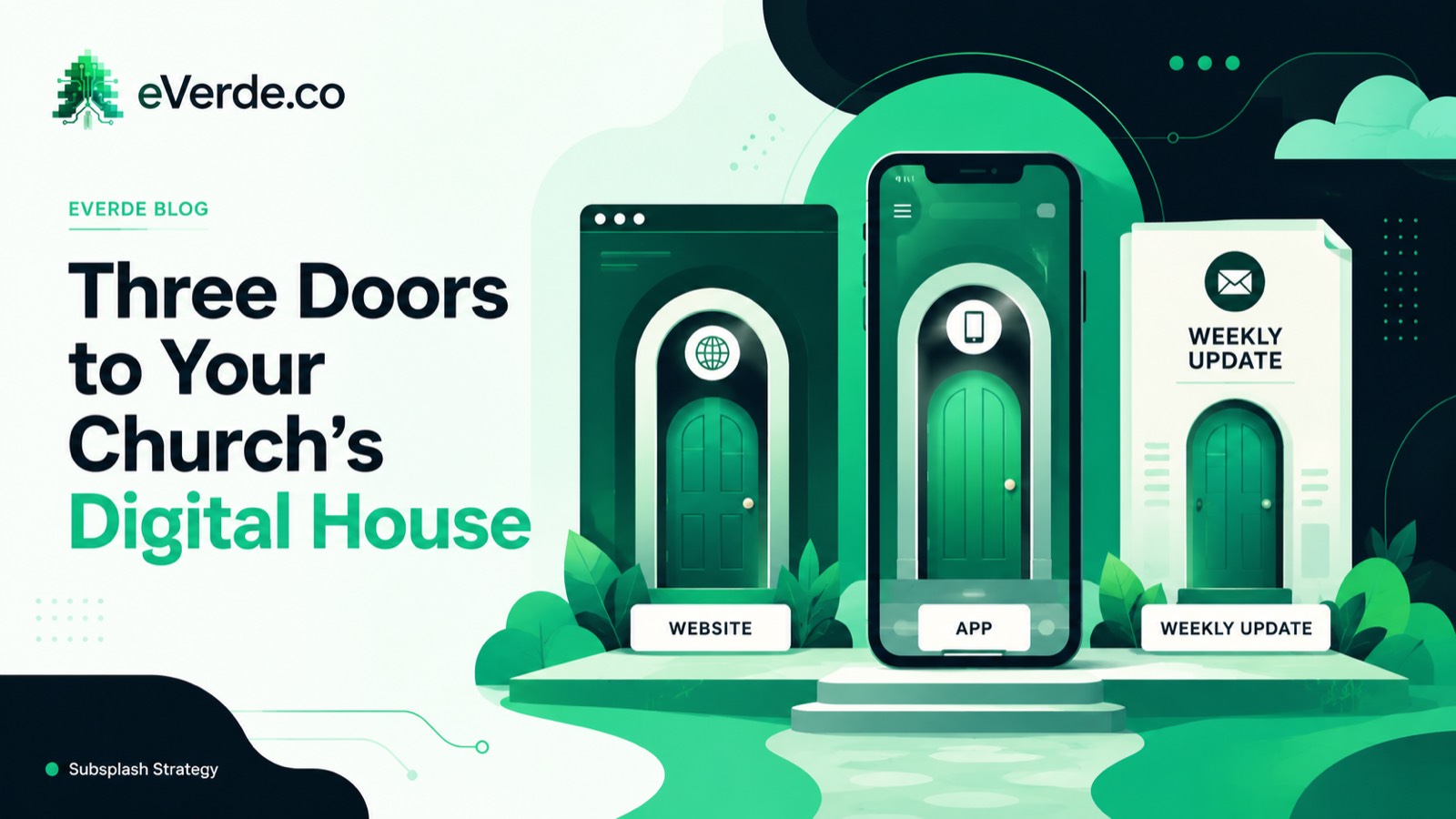
Three Doors to Your Church's Digital House
Your church has three digital doors. Each one serves a different person at a different stage, and most churches treat them all the same. That is why nothing works as well as it should.
Read more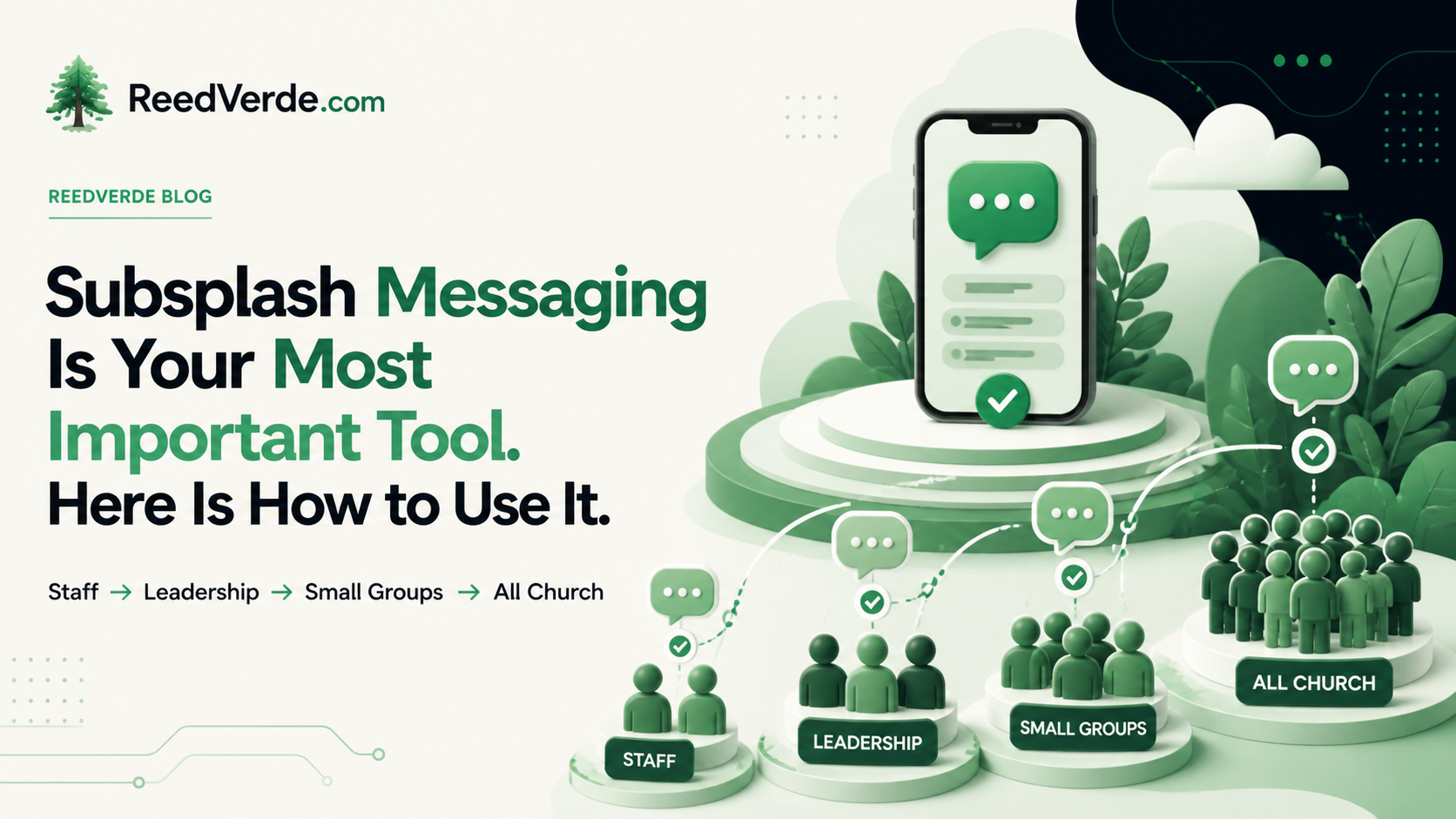
Subsplash Messaging Is Your Most Important Tool. Here Is How to Use It.
Most churches turn Subsplash Messaging on and wait. Nothing happens. There is a right order to this. Staff first, then leadership, then small group leaders, then members, then everyone else. Useful conversations can give people reasons to return to the app between Sundays.
Read moreAbout Reed Verdesoto
I'm Reed Verdesoto, an independent Subsplash architect. I've built custom apps, websites, and communication systems for 500+ churches, ministries, and organizations, and I help teams turn a scattered digital presence into one that actually works and keeps working.
If something on your setup feels broken, disconnected, or harder than it should be, reach out. I'd rather have a real conversation about what you're dealing with than sell you a package.
Get in touchOriginally published on reedverde.com