

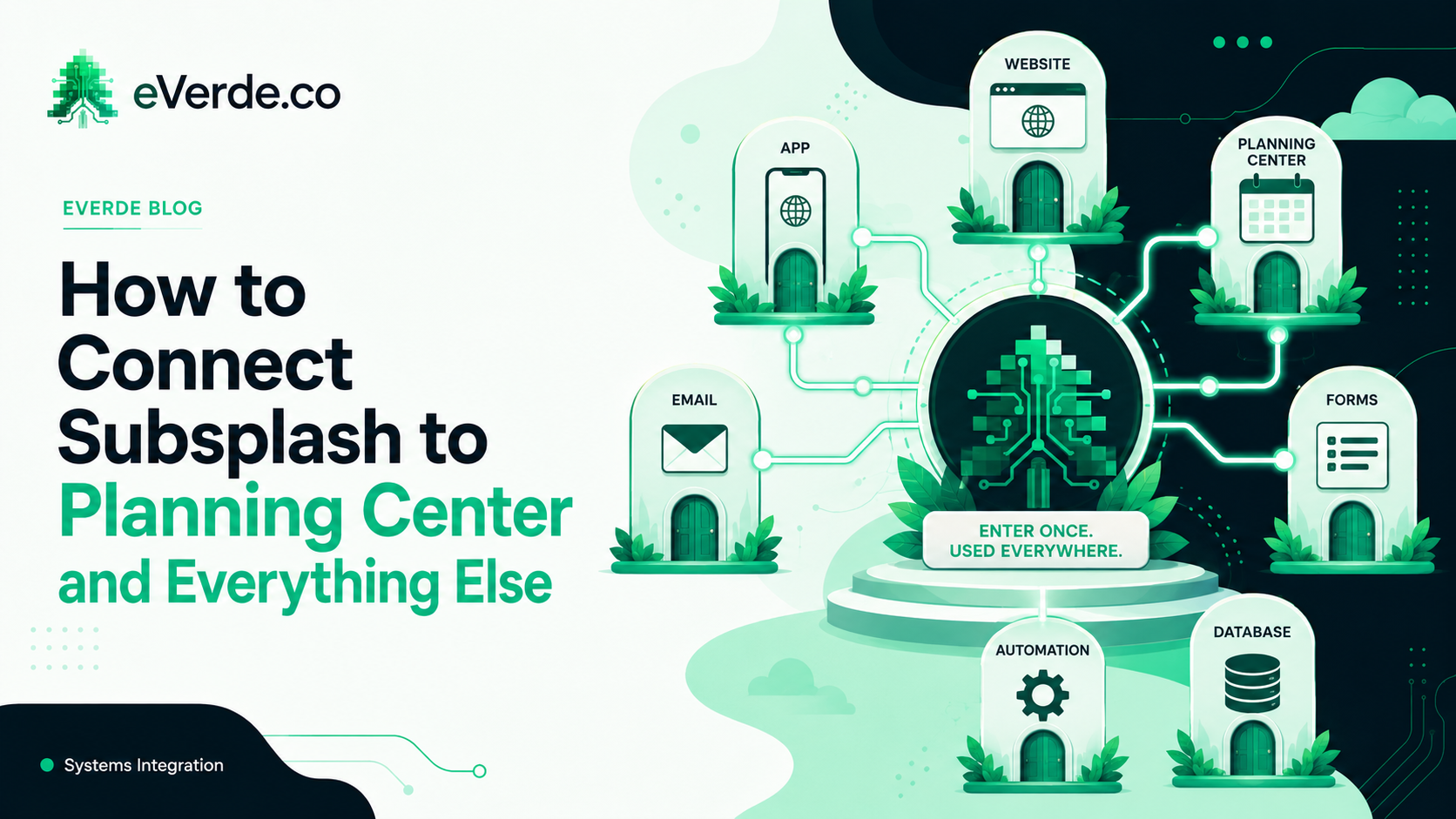
Most churches run Subsplash as a standalone tool. The website is here, the ChMS is there, email is somewhere else, and nothing talks to anything. That is not a Subsplash problem. That is an architecture problem.
Subsplash was designed to be the center of your church's digital operation. But most churches never connect it to anything. They use SnapPages for the website, the app for push notifications, and then manually re-enter the same event into Planning Center, Mailchimp, and their bulletin. Three times the work, three chances for something to be wrong.
What Integration Actually Means
When I say I connect Subsplash to the rest of your operation, I do not mean I install a plugin and walk away. I mean I design how data flows between your systems so your team enters information once and it shows up everywhere it needs to be.
A new event gets created in Subsplash. That event automatically appears on the correct audience pages of your website, in the correct section of your app, and can trigger a notification to the right group. The registration form feeds into your ChMS so your people team sees who signed up without checking a separate spreadsheet. The follow-up email goes out through your email platform because the form submission triggered it.
That is one event. Entered once. Showing up in five places. No one on your team had to copy and paste anything.
Planning Center and Subsplash
Planning Center is the most common ChMS I connect to Subsplash. Most churches use Planning Center for people management, check-in, groups, and giving. They use Subsplash for the website and app. The gap between them is where things fall apart.
The custom Subsplash integration work I do bridges that gap. Registration forms on your Subsplash website can feed data to Planning Center. Event information stays synchronized. Group signups route to the correct Planning Center group. Your team works in the tool they prefer and the data ends up where it needs to be.
This is not about replacing either platform. It is about making them work as one system instead of two silos.
The Platforms I Connect
Every church has a different stack. Some use Planning Center for everything. Some use Breeze or Church Community Builder. Some use Salesforce for donor management. Some have a POS system for their bookstore or coffee shop. Some use ProPresenter or EasyWorship for their screens.
The custom Subsplash integration work adapts to your stack. The common connections include: ChMS platforms (Planning Center, Breeze, CCB, Shelby), email systems (Mailchimp, Constant Contact, ActiveCampaign), giving platforms (Subsplash Giving, Tithe.ly, Pushpay), check-in tools (Planning Center Check-Ins, KidCheck), and automation tools (Zapier, Make, custom webhooks).
The goal is always the same: make Subsplash the center of your digital ecosystem so your team has one place to manage and your people have one place to connect.
When Integration Matters Most
Small churches with simple needs do not usually need integration work. If your team can handle entering events in two places and your congregation is under 200, the manual approach works.
Integration becomes critical when your church hits 300 to 500 regular attendees. At that point, the number of events, groups, communications, and touchpoints exceeds what any team can manually synchronize. Mistakes start happening. Events show up on the website but not in the app. Registrations come in through the website but never make it to the people team. The weekly email says one thing and the app says another.
That is when a custom Subsplash build with proper integration saves your team 5 to 10 hours a week of duplicate data entry and eliminates the errors that come with it.