

Here is a trick question: when does a paper bulletin go out of date? The answer is when you hit print. When does an email go out of date? When you hit send.
A digital weekly update never goes out of date as long as you update it. And it will become the single most visited page on your entire church website.
What It Is
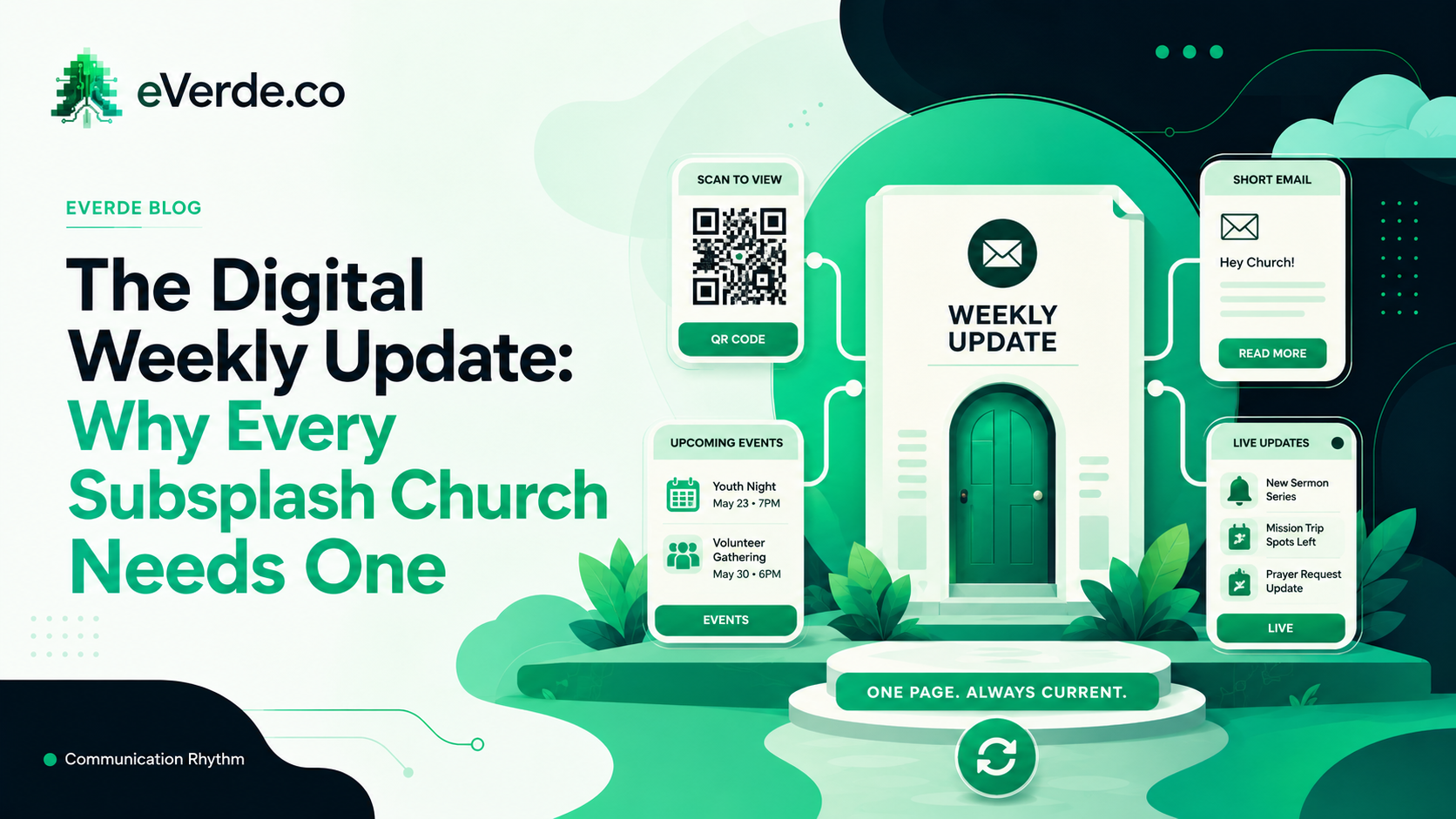
The Weekly Update is one page on your Subsplash website that serves as your church's digital bulletin. It has one QR code that never changes. That QR code gets displayed in the lobby, printed in the bulletin, shown on the screen during announcements, and linked in your email footer.
Every week, one person spends 15 minutes updating this page. They move the Priority One event to the top, make sure upcoming events are tagged correctly, and publish any new blog content. That is the entire workflow.
Everything below the Priority One event populates automatically from your Subsplash dashboard. Upcoming events pull from your event calendar based on tags. Blog posts pull from the Stories module. Group information pulls from your groups. You are not building this page from scratch every week. You are rearranging one or two things at the top and letting the system handle the rest.
Why It Replaces Your Bulletin
A printed bulletin is dead the moment you print it. The men's breakfast gets cancelled on Thursday but the bulletin was printed on Wednesday. The registration link has a typo but 500 copies are already in the seat backs. The event time changed but nobody caught it before the print run.
A digital weekly update has none of those problems. The men's breakfast gets cancelled and you remove it from the page in 30 seconds. The registration link gets fixed the moment someone notices. The event time updates once in the Subsplash dashboard and the weekly update reflects it automatically.
Your members scan the QR code every Sunday and see current information. Not last week's information that was accurate five days ago.
Why It Replaces Your Weekly Email
Most churches send a weekly email blast with the same information that is on the bulletin. This creates two problems: you are producing the same content twice, and the email goes out of date the moment you send it.
The weekly update solves both. Instead of writing a full email every week, send a short email with a personal note from the pastor and a single link: "Here is everything happening this week." That link goes to the weekly update page, which is always current.
Your email becomes 30 seconds of work instead of an hour. Your weekly update page gets more traffic. Your information stays accurate. Everyone wins.
One QR Code to Rule Them All
The power of the weekly update is the single QR code. Print it on a card. Put it on a banner. Display it on the lobby TV. Show it on screen during announcements. Stick it on the coffee bar.
That QR code never changes. It always points to the weekly update. And the weekly update always has current information. This means every physical touchpoint in your building becomes a live link to your digital ecosystem.
A first-time visitor scans the code and sees everything happening at your church this week. A long-time member scans it and finds the registration link they forgot to bookmark. A parent scans it and finds the kids' event they heard about but could not remember the details of.
One code. One page. Always current.
How to Build It in Your Custom Subsplash Setup
The weekly update is a standard SnapPages page with embedded Subsplash content blocks. The layout is simple:
Top section: Priority One event with image, description, and registration button. This changes every week.
Middle section: embedded event calendar filtered by upcoming dates and tagged for general audience. This populates automatically.
Bottom section: embedded blog/stories feed showing the most recent posts. This populates automatically.
Footer: links to give, download the app, and contact the church. This never changes.
The Priority One section is the only part you touch each week. Everything else runs on its own.
If your custom Subsplash build does not include a weekly update page, you are missing the single highest-value page on your entire website. It costs 15 minutes a week to maintain and it becomes the page your congregation visits more than any other.