

Your Subsplash website is built. Your app is connected. Everything looks great. Now what?
This is where most churches stall. The build is done, the training session happened, and then six weeks later the Weekly Update has not been touched, the events are not tagged correctly, and the app still has the same content from launch day. The build is not the finish line. The build is the starting line.
Here is what your weekly rhythm should look like and how to keep the whole system running without it becoming another full-time job.
The Weekly Update Is Your Number One Priority
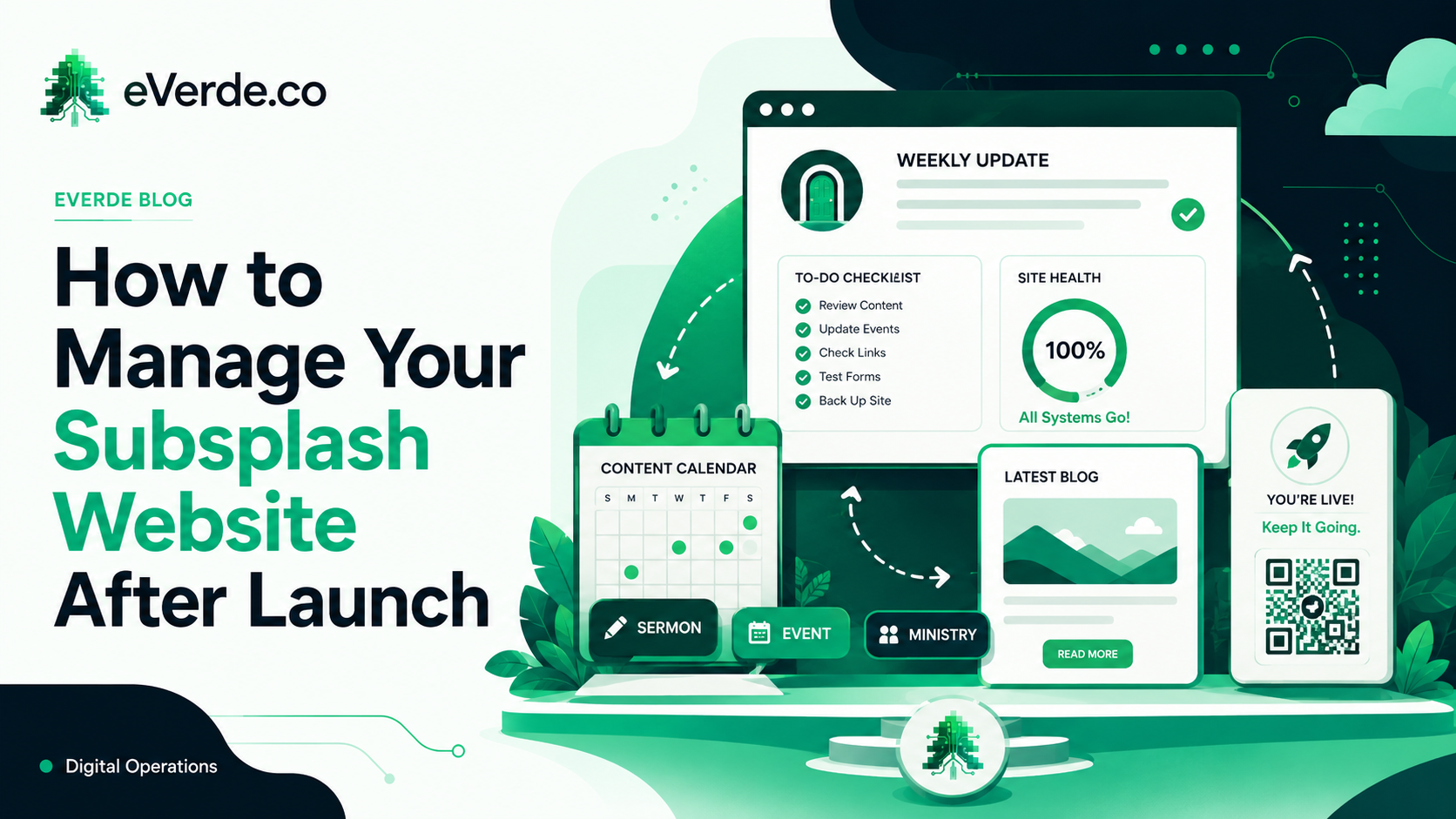
If you do nothing else, keep the Weekly Update current. This is the digital bulletin, the single page that people scan from the lobby QR code, the app, or a link in your email. It is always up to date as long as you update it.
Every week, one person should spend 15 to 20 minutes doing this:
Pick your Priority One event. This is the single most important thing your church wants people to know about this week. It goes at the top of the Weekly Update. Maybe it is a night of worship. Maybe it is a baptism Sunday. Maybe it is the youth camp registration deadline. Whatever it is, it gets the prime spot and it changes every week.
Below that, your secondary events populate automatically from Subsplash as long as you have entered and tagged them. Upcoming events, group signups, and announcements all pull from what is already in the dashboard.
At the bottom, any non-event content like a devotional, a "notes from the pastor" blog post, or a ministry spotlight gets posted through the Blog module and shows up in the Stories section and inside the app automatically.
That is the entire weekly workflow. One page. 15 minutes. Everything else on the website updates itself.
Event Creation and Tagging
Wherever two or more are gathered, there is a Subsplash event. You have to establish yourself as the authority that says everything happening at our church is documented and findable.
When you create an event in Subsplash, tag it for every audience that needs to see it. A women's retreat gets tagged for adults, women, and special events. A kids camp gets tagged for kids and summer. A church-wide service project gets tagged for all events, serve, and community.
Those tags automatically route the event to the correct audience pages on your website and the correct sections in your app. You do not need to update each page individually. Enter the event once, tag it correctly, and the system handles distribution.
Duplicate events when they repeat. Do not recreate them from scratch every time. Subsplash lets you duplicate an event and just change the date. This keeps your tagging consistent and saves time.
Blog and Content Rhythm
Use the Blog module for anything that is not an event but needs to reach your people. Devotionals, pastor's notes, ministry updates, stories of impact, kids lesson summaries.
A bi-weekly posting rhythm is sustainable for most churches. If your pastor already writes a newsletter, use that same content as a blog post. Do not create new work. Repurpose what you are already producing.
Blog posts automatically appear in the Stories section of your website and inside the app. No extra publishing steps. Write it once, publish it in the dashboard, and it shows up everywhere.
App Messaging and Groups
Subsplash Chat is the internal communication tool for your church. Set up a Staff and Leadership group, an All Church Chat, and specific groups for ministries or small groups.
The All Church Chat should be an open community space. Prayer requests, social invitations, encouragement. Keep it positive. No sales or promotions. As members join smaller groups, conversations will naturally move from the main chat to their specific communities.
Start groups as public with "request to join" for the first six weeks to encourage adoption. Once most members have joined, switch to private. This gives you a launch window where joining is easy but you still control access.
The Launch Sunday Strategy
If your app exists but nobody uses it, you have not launched it. You have just made it available. A real launch looks like this:
Display a QR code during service that links to the Weekly Update. Walk the congregation through downloading the app and creating an account right then. Have people in the lobby helping anyone who gets stuck. The following week, prompt everyone to post a "hello" in the All Church Chat.
That is two Sundays of intentional effort and you will have more app adoption than six months of "download our app" announcements ever produced.
The One-Year Principle
I recommend churches commit to at least a year of intentional digital operations after a custom Subsplash build. Not because the technology requires it, but because the habits do. Three months after launch, old thinking starts creeping back. Ministry pages reappear. The Weekly Update skips a week. Events stop getting tagged.
Having someone accountable to the system, whether that is a fractional communications leader, a trained staff member, or a volunteer with a checklist, is the difference between a church that launches a website and a church that runs a digital ecosystem.
The build got you the architecture. The rhythm is what keeps it alive.