
Subsplash Messaging Is Your Most Important Tool. Here Is How to Use It.
 Reed VerdesotoDigital Systems Architect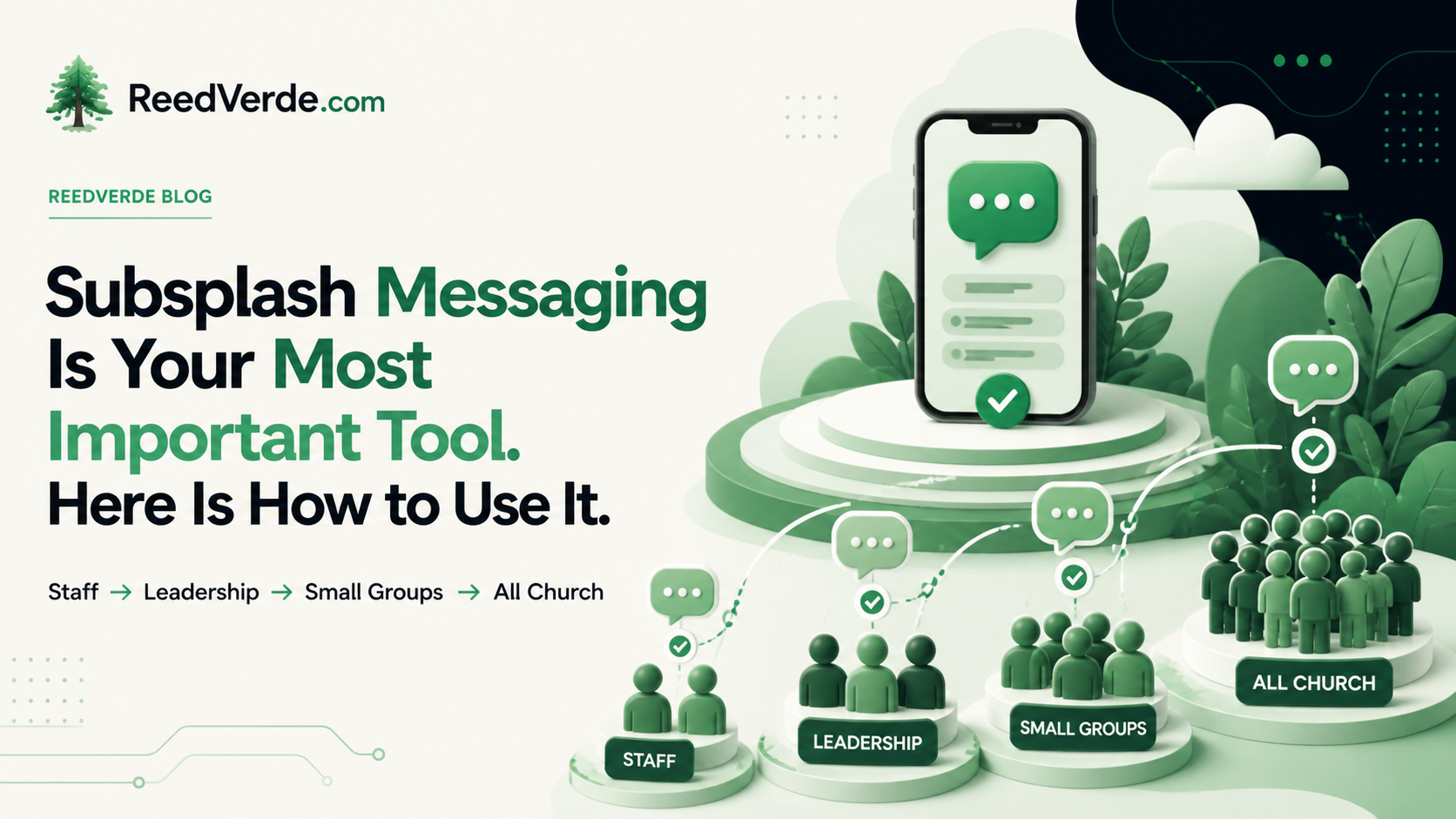
This post reflects my personal experience as an independent consultant. It is not the official position of Subsplash.
Subsplash Messaging is in the pocket of every person in your church for 168 hours a week. Your sermon gets 45 minutes. Your bulletin gets a glance. Messaging gets the rest of the week.
Most churches turn it on, create a couple of channels, and wait. What they get is a ghost town. That is not a Messaging problem. That is a rollout problem. There is a right order to this.
Start With Your Staff
Your staff should be talking to each other inside Subsplash Messaging. That is what it is for. Personal conversations stay on your personal phone, but if it is ministry business, it lives here. You already apply this to email. You do not let staff use their personal Gmail for ministry communication. Messaging is the same rule. Get your staff in first, build the habit, and the culture follows.
Then Your Church Leadership
Bring in your elders, deacons, and ministry team leads with the same expectation. This is also where risk mitigation becomes real. If your leaders are texting volunteers and group members from personal phones, that communication has no record, no visibility, and no oversight. When someone leaves, it disappears. Subsplash Messaging keeps it where it belongs.
Then Your Small Group Leaders
Create a shared channel where staff communicates with all small group leaders together. Use it to share what is coming up, what needs to happen, and what to prepare for. Same playbook as staff onboarding. Get them used to it and relying on it.
Then enforce the policy. Every small group leader gets a Messaging group for their members. They use that group and only that group. This is not a suggestion. It is your policy.
Then Small Group Members
Bring members into their small group chats. Now your small group leaders and members are all inside the platform. These are the most connected people in your church.
This is your critical mass moment.
Do not open the all-church chat before this step. When a new attender walks into an empty chat, they leave and do not come back. You want them to walk into a room that is already alive. Get staff, leadership, small group leaders, and members in first. Then open the door to everyone else.
The All-Church Chat
This is where Messaging does something no other tool in your stack can do.
Encourage members to post what they are doing after church if others are welcome. We are grabbing lunch here if anyone wants to join. We are heading to the park. Five families who never hang out will show up. New attenders will especially jump at this because they are looking for exactly that kind of easy entry point.
One Sunday a man named John posted in the all-church chat asking if anyone had an extra COVID test. He needed one to return to work. A woman in the church replied immediately. She is someone the church has served for years with rides and groceries. She had never had an opportunity to serve. She said she was at Walmart right then and would grab one if John could pay her back.
That was her first chance to give back. It only existed because the chat existed. That is what it looks like when community stops running through the church office and starts running through each other.
One Rule
No selling items in the chat. That is the only rule you will ever need. If someone posts something for sale, reach out kindly, take it down, and move on. It stays clean after that.
Why This Matters
A push notification goes to people who have the app installed. A message goes to people who are in the conversation. Those are not the same group. People respond to messages. They scroll past notifications.
Messaging pulls people back into the app. It drives event attendance, giving, sermon engagement, and every other metric you care about. Every tool in your Subsplash platform performs better when Messaging is working.
That is why it is the most important tool they offer. Not the flashiest. The one that keeps everything else alive.
Want to go deeper?
For channel structure, moderation, and governance before you launch, read my post on setting up Subsplash Chat without creating chaos. And if your church has been thinking about building a member directory so people can find each other, read this first. Messaging solves that problem without the legal and privacy risk a directory creates.
Start with your staff. Build the habit there. Then extend it outward, one step at a time.
Reed Verdesoto | ReedVerde.com | Independent Church Technology Consultant

Read More
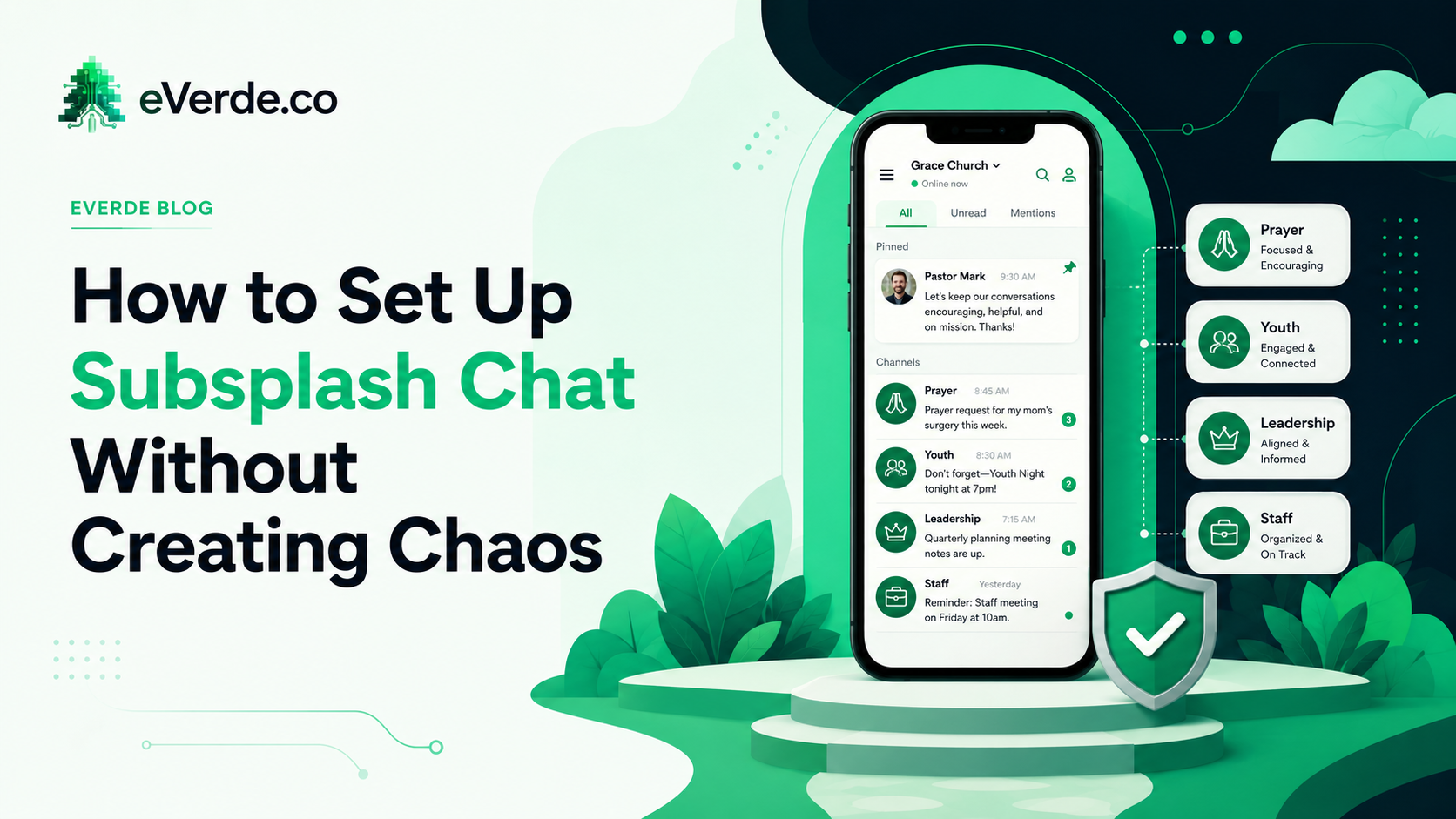
How to Set Up Subsplash Chat Without Creating Chaos
Subsplash Chat can be powerful or it can become an unmoderated group text with 200 people. Setup decides which one you get.
Read more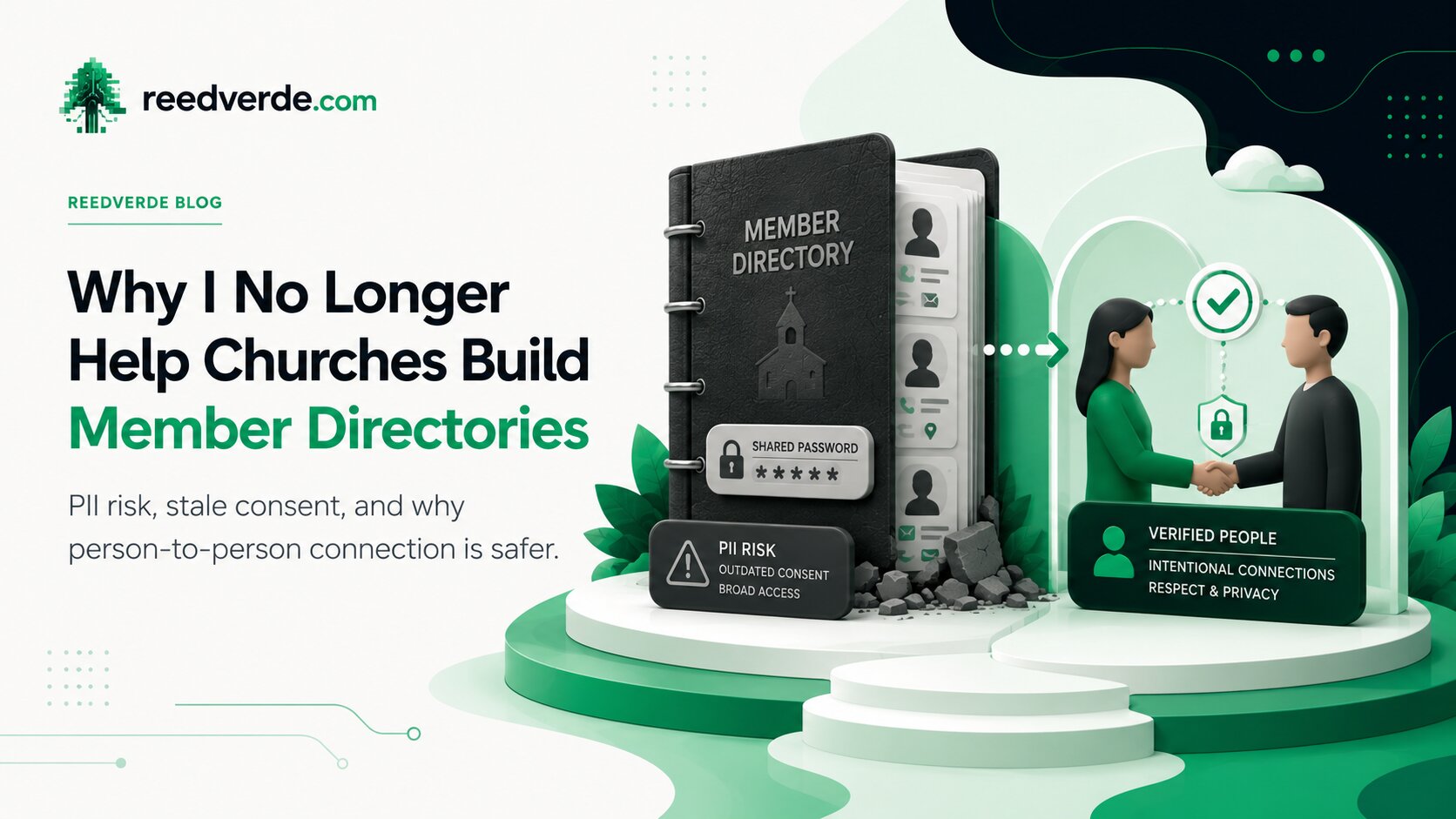
Why I No Longer Help Churches Build Member Directories
I have completed more than 500 church technology implementations. I no longer assist churches with building member directories. This post is the full explanation of why.
Read moreAbout Reed Verdesoto
I'm Reed Verdesoto, an independent Subsplash architect. I've built custom apps, websites, and communication systems for 500+ churches, ministries, and organizations, and I help teams turn a scattered digital presence into one that actually works and keeps working.
If something on your setup feels broken, disconnected, or harder than it should be, reach out. I'd rather have a real conversation about what you're dealing with than sell you a package.
Get in touchOriginally published on reedverde.com