

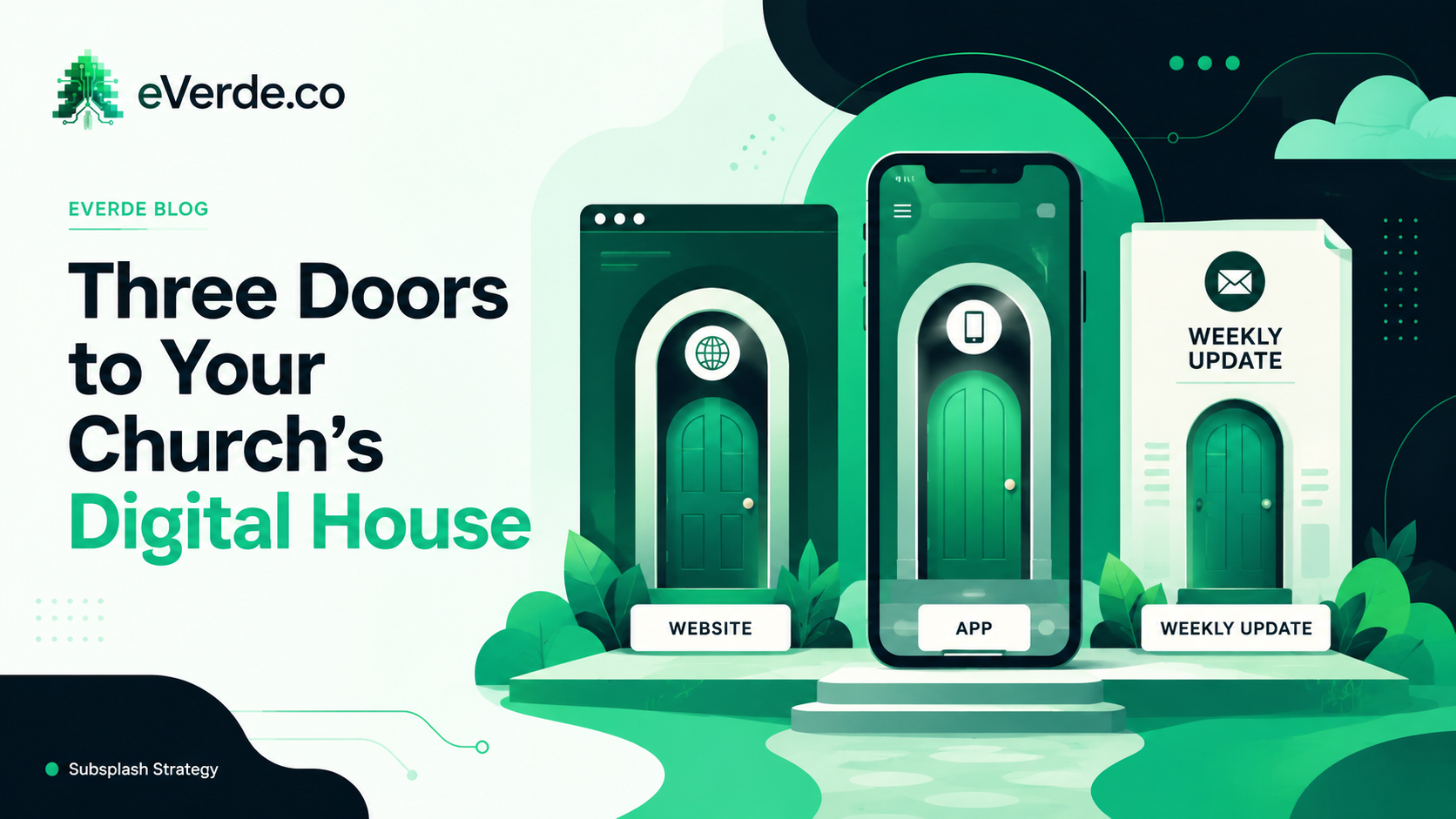
Your church has three digital doors. Each one serves a different person at a different stage, and most churches treat them all the same. That is why nothing works as well as it should.
The Front Door: Your Website
When someone visits your website, they are walking through the front door. You greet them every single time. You make sure they feel welcome. You introduce yourself and ask what they need. Even if they have been a member for ten years, if they come through the website, that is the experience they get.
The website is not for your congregation. It is for your congregation to share. When your childhood friend moves back to town and you say "I go to this great church, check out our website," that website better be so good at telling a person they belong here that 75% of them make a decision from the homepage alone. Because that is what the data shows. 75% of people leave your website after only seeing the homepage. So the homepage must say who you are, who you are for, and what they should do next.
The website is written last, not first. Most churches write the homepage first because that is what they experience first. I write every other page first. By the time I get to the homepage, I have told the church's story so many times I know exactly which words to keep and which to cut.
The Garage Door: Your App
Your best friend's house, you come through the garage. You do not knock. You slide across the kitchen floor in your socks and get yelled at for messing up the wax. You know where everything is.
That is what the app is. When you open your banking app, you skip over the homepage that says "refinance your home" and "get a new credit card." That is all marketing. You click dashboard. You see your balance.
When someone opens your church app, give them their balance. They do not need to know who you are or what you do because they already know. They need to know: when is the live stream, how do I give, what event is this week, what were the study notes from the sermon, what was the devotional. The app bypasses everything else and gets them directly to the form, the registration, the content, without them needing to go search for it.
The Patio Door: Your Weekly Update
Here is a trick question: when does a paper bulletin go out of date? The answer is when you hit print. When does an email go out of date? When you hit send.
A digital bulletin, what I call the Weekly Update or Connection Point, is always up to date as long as you update it. This is the patio door. People come in and out of the house through it. It is not getting into everything in the house, but it is a continuously updated connection point for your people.
One QR code. Displayed in the lobby, printed in the bulletin, shown on the screen during announcements. That single QR code takes people to the Weekly Update where the number one priority event is featured at the top, followed by upcoming events, announcements, and next steps. It is the only page on your entire website you update each week, because every other page updates itself through Subsplash event tags and embeds.
One House, Three Doors
You can get to anything in the house from any of the three doors. The sermon, the Israel trip signup, the about page, giving, the small group chat. But the experience changes depending on which door you use.
Through the front door (website), it is a welcoming, curated path designed to make a new person say "this is for me." Through the garage door (app), it is one tap to the thing you already know you want. Through the patio door (weekly update), it is "here is what is happening this week, here is what you should know, here is your next step."
The design principle behind all three doors is the same: increase desire, decrease labor, decrease confusion. Make them want it. Confirm the details. Tell them how to get it. One action.
Why This Matters for Your Custom Subsplash Setup
Subsplash gives you all three doors. The website (SnapPages), the app, and the tools to build a Weekly Update. But most churches build all three the same way, dumping the same information in all three places with no thought to who is walking through which door.
When you organize by door, your website stops being a bulletin board and starts being a welcome mat. Your app stops being a second website and starts being a utility. Your weekly update stops being an afterthought and starts being the single most important page in your entire digital ecosystem.
If your custom Subsplash setup feels disorganized, start here. Figure out which door each piece of content belongs at, and stop putting everything at every entrance.