
Multi-Campus Subsplash Architecture: One App, Multiple Locations
 Reed VerdesotoDigital Systems Architect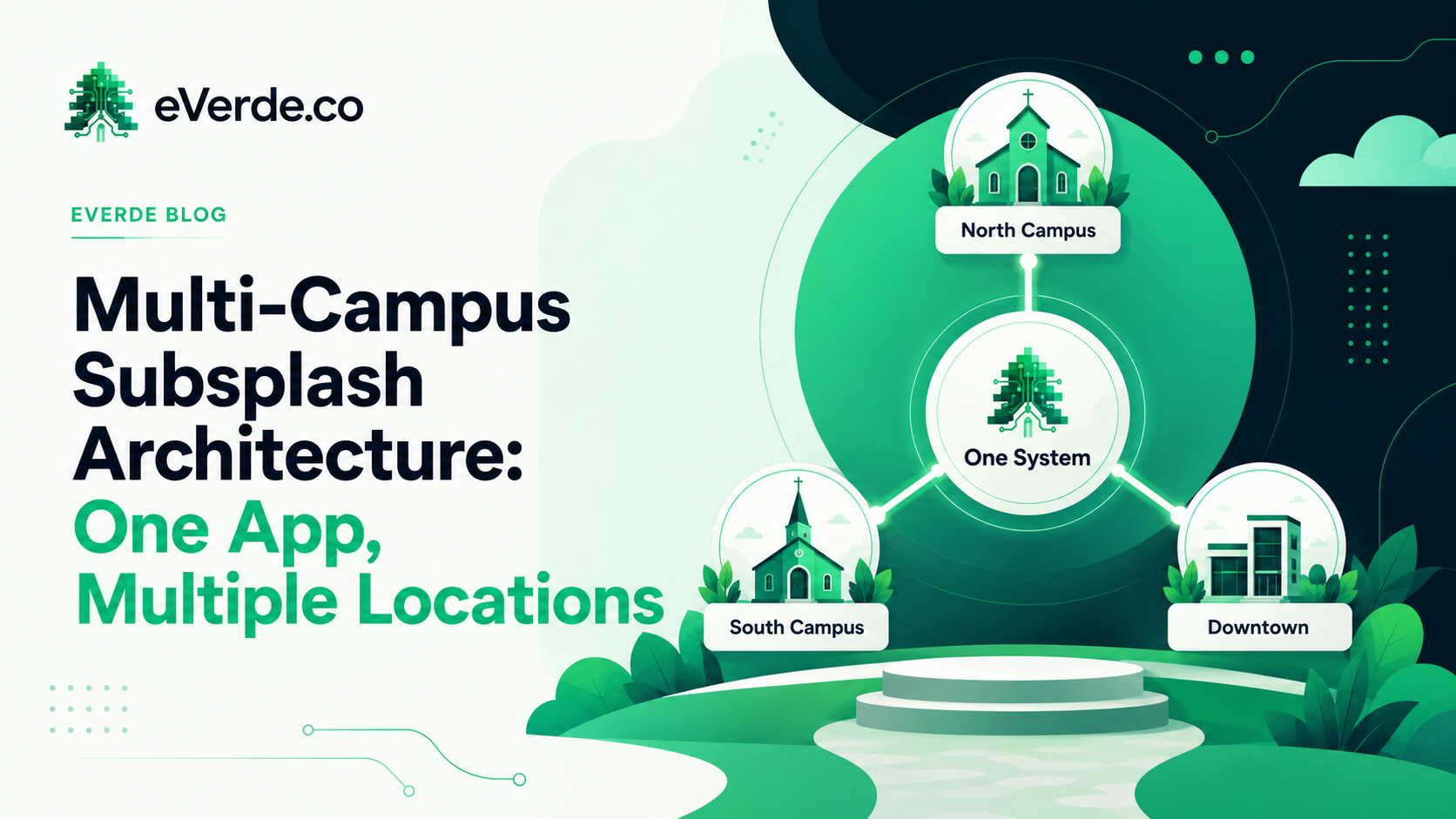
The moment a church adds a second campus, someone on staff says, "Do we need our own app?" The answer is almost always no. But the fact that the question comes up tells you something important about the architecture. If the system were designed correctly from the beginning, nobody would need to ask.
Multi-campus architecture on Subsplash is not about duplicating what you already have. It is about extending a single system to serve multiple contexts. One app. One website. One ecosystem. Multiple campuses as views within that system, not copies of it.
The Duplication Trap
The most common mistake multi-campus churches make is building separate everything for each location. Separate apps. Separate websites. Separate event calendars. Separate media libraries. Separate communication channels.
This feels right at first because each campus has its own identity, its own events, its own staff, and its own community. But duplication creates a maintenance burden that scales linearly with every new campus. Two campuses means two of everything to maintain. Five campuses means five. And the staff at each campus is usually not dedicated to digital maintenance. So things drift. The main campus stays updated. The satellite campus falls behind. Members notice.
Duplication also fragments your data. Giving reports are split across systems. Audience analytics are incomplete. Communication targeting requires managing multiple platforms. What started as an attempt to give each campus its own space becomes an operational tax that grows every year.
The Architecture: One System, Campus Views
The better approach is to build one system and create campus-specific views within it. This means one app with navigation that adapts based on a member's campus affiliation. One website with shared organizational content and campus-specific sections. One event calendar with campus filtering. One media library with shared sermons and campus-specific content where needed.
In Subsplash, this is achieved through a combination of audience tags, content organization, and navigation design.
Tags Drive Everything
Each campus gets its own audience tag. When a member identifies with a campus (through a form, a connection card, or staff assignment), they are tagged. That tag determines what they see.
Push notifications can be targeted by campus. "Service time change at [Campus Name]" goes only to people tagged with that campus. No one else sees it. This is the difference between communication that feels personal and communication that feels like noise.
Events tagged with a campus show up in filtered views. A member at the North Campus sees North Campus events by default but can still browse all events if they want. The system adapts to them instead of forcing them to sort through irrelevant content.
Shared Content vs. Campus-Specific Content
Not everything needs to be separated. Sermons are usually shared across campuses. Giving is organizational. The About page tells the church's story, not one campus's story. The staff page may be organizational with campus filters. These are shared content items that live at the organizational level.
Events are almost always campus-specific. Service times differ. Kids programming differs. Small group locations differ. Volunteer teams are campus-based. These are campus-specific content items that need clear separation in the system.
The architecture decision is: what is shared, what is campus-specific, and how does each type surface in the app and website. Making these decisions during Discovery prevents the "we need our own app" conversation later because the system already handles the separation cleanly.
Governance Gets Harder
The question that multi-campus churches avoid until it becomes a crisis: who controls what at each campus? Can a campus pastor create events without approval? Can a campus admin edit the website? Can a campus communications person send push notifications to their audience?
Without governance documentation, the answer is "whoever figures out the password." That leads to inconsistency, brand drift, and conflicting content across campuses.
Multi-campus governance requires clear role definitions. Who creates content. Who approves content. Who publishes content. At each campus and at the organizational level. These roles need to be documented and enforced in the platform's permission settings.
The Conversation You Want to Prevent
"We need our own app" is a symptom. It means the current system does not serve the campus well enough. Members cannot find their campus-specific information. Push notifications are too noisy. Events are cluttered with content from other campuses. The experience feels generic instead of local.
Architecture prevents that conversation by building campus context into the system from the start. When a member at the South Campus opens the app and sees South Campus events, South Campus service times, South Campus staff, and South Campus announcements alongside shared organizational content, the app feels like theirs. Because it is.
One app. One website. One system. Multiple campuses, served intentionally.
Originally published on reedverde.com