
How to Train Your Staff on Subsplash in One Session
 Reed VerdesotoDigital Systems Architect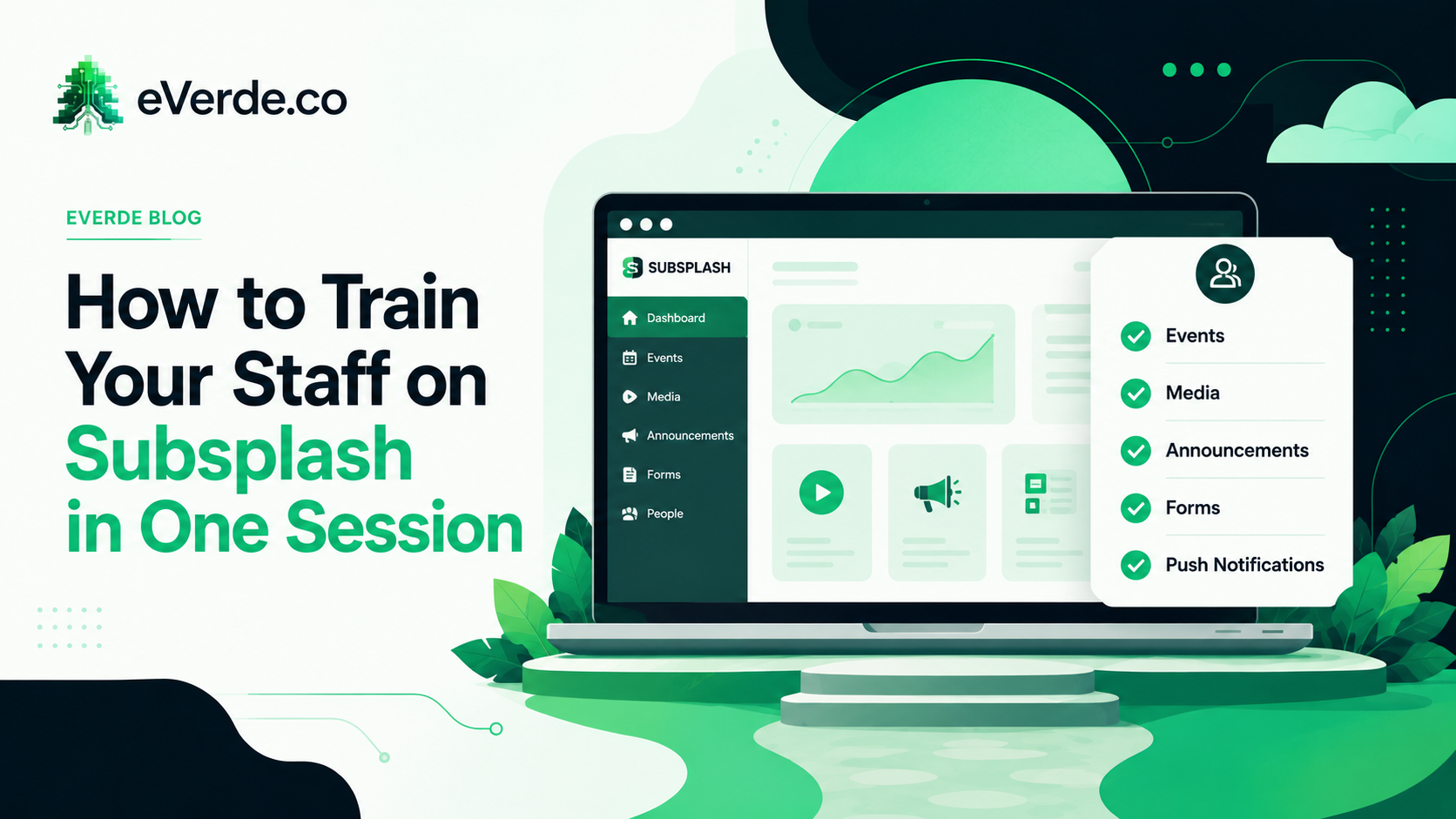
Every church I work with eventually asks the same question. "Can you train our staff on Subsplash?" And the answer is yes, but probably not the way you are imagining it.
Most churches picture training as a multi-week series where someone walks the staff through every feature in the dashboard. Here is how to create an event. Here is how to upload media. Here is how to send a push notification. Here is how to edit a SnapPages section. Feature by feature, screen by screen, until everyone's eyes glaze over and nobody remembers anything by Thursday.
That kind of training teaches features. It does not teach workflows. And workflows are what people actually need to do their jobs.
Why Feature Training Fails
Features are tools. Knowing that a hammer exists does not tell you when to use it, how hard to swing, or which nail to hit. Subsplash has dozens of features. Your staff needs to use maybe five of them on a weekly basis. Training them on all of them wastes their time and dilutes the information they actually need.
Feature training also has no context. "Here is how to create an event" is meaningless without knowing who on your staff creates events, when they should create them, what category to assign, what image to use, and who approves the event before it goes live. The feature is the smallest part of the equation. The workflow around the feature is what matters.
One Session. Five Workflows.
Here is how I structure staff training. One session. Usually 60 to 90 minutes. Focused entirely on the five weekly tasks that keep your digital ecosystem running.
First, events. Who creates them. What category they get. What image standard to follow. Who approves before publish. When they should be created relative to the actual event date. This covers the calendar, the app, and the website simultaneously because events syndicate across all three.
Second, media. Who uploads the sermon each week. What metadata to include (series, speaker, scripture, description). Where the live stream archive lives and how to create the sermon-only version. When it should be published after Sunday.
Third, announcements and the Weekly Update. Who updates the Weekly Update page each week. What goes on it. What gets removed. When it should be refreshed. This is the single most visited page on most church websites and most churches have no documented process for maintaining it.
Fourth, forms and connection responses. Who monitors form submissions. How quickly responses should happen. What tags get applied when someone fills out a connection card, a serve interest form, or a prayer request. Where that data goes and who follows up.
Fifth, push notifications. Who sends them. How often. What the content standards are. What audience segments to target. What the approval process is before a notification goes out. Push notifications are the most powerful and most dangerous tool in your Subsplash setup. One bad notification can get your app muted on hundreds of phones.
Governance: Who Does What
Training without governance is temporary. People learn the workflows in the session, do them correctly for two weeks, and then drift back to whatever felt natural before.
Governance is the document that prevents drift. It answers three questions for every workflow. Who is responsible for this task. When does it happen. Who reviews or approves before it goes live.
This does not need to be complicated. A single page with five rows (one per workflow) and three columns (who, when, approval) is enough. Print it. Pin it in the office. Reference it when questions come up. When someone leaves and a new person takes their role, the governance document is the onboarding tool.
The Edgewood Model
When I trained the team at Edgewood, we did not spend the session clicking through the Subsplash dashboard. We spent the session walking through their actual weekly rhythm. "On Monday, this person does this. On Wednesday, this person does this. On Friday, this gets reviewed. On Saturday, this gets published."
By tying training to their actual schedule instead of abstract features, every task had context. They were not learning how to use a tool. They were learning how their week works digitally. That distinction is everything.
Follow-Up Is a Monthly Check-In
After the initial session, the ongoing support is a 30-minute monthly check-in. Not another training day. A quick review of what is working, what has drifted, and what needs adjustment. This is where fractional leadership overlaps with training. The check-in holds the system accountable to the governance document and catches drift before it becomes a problem.
You do not need six weeks to train your staff on Subsplash. You need one session that teaches workflows, a governance document that assigns ownership, and a monthly rhythm that prevents drift. That is the system that sticks.
Originally published on reedverde.com