
How to Set Up Subsplash Chat Without Creating Chaos
 Reed VerdesotoDigital Systems Architect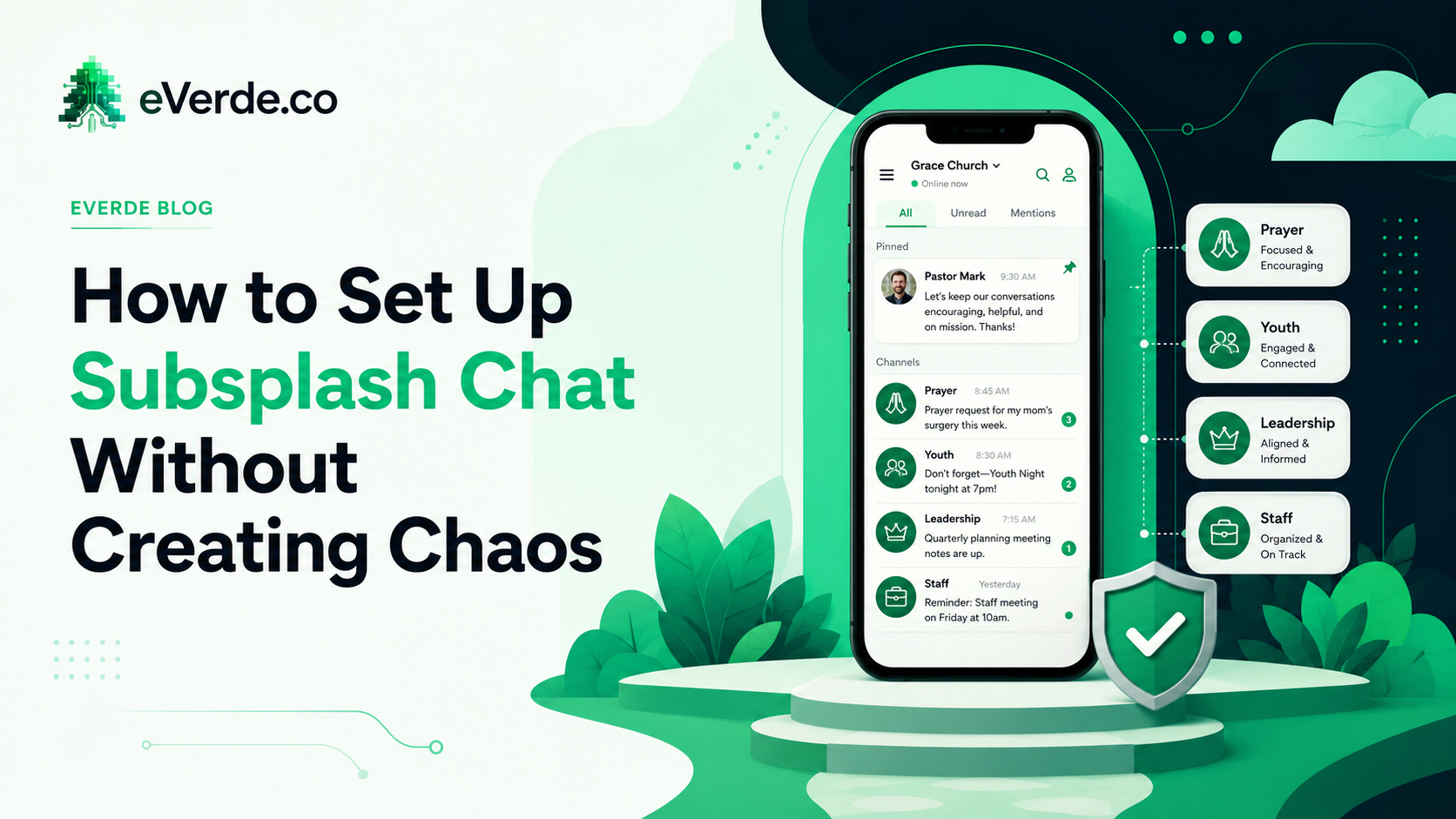
Subsplash Chat has the potential to replace GroupMe, WhatsApp, and every other third-party messaging app your church is currently juggling. It can centralize communication, keep conversations inside your ecosystem, and give your staff visibility into how ministry teams are connecting.
It can also become an absolute disaster.
The difference between those two outcomes is not the feature itself. It is the setup. Chat tools without governance become noise machines. And once people associate your church's chat with noise, getting them back is nearly impossible.
The Default Setup Is the Problem
Most churches activate Subsplash Chat, create a handful of channels based on whatever ministry areas come to mind first, open it up, and wait to see what happens. What happens is predictable. Too many channels appear. Some channels have two people in them. Other channels have 200 people and no moderation. Someone posts something inappropriate or off-topic. Staff scrambles to figure out who can delete messages. Nobody knows which channels are official and which ones someone created on their own.
This is not a Subsplash problem. This is a governance problem. And it is solvable before you ever turn Chat on.
Curate the Channels Before Launch
Do not let anyone create channels freely at launch. Start with a curated set of channels tied to actual ministry functions. A general announcements channel that is staff-post-only. A prayer request channel with clear guidelines. Ministry-specific channels for teams that actually need ongoing communication (worship team, youth leaders, small group hosts). And that is it for launch.
You can always add channels later. You cannot easily delete channels that people are already using without creating frustration. Start small. Expand intentionally.
Leadership Channels Are Not Congregation Channels
This is the most common structural mistake. Churches create a "Leadership" channel and a "Youth" channel and treat them as the same kind of thing. They are not.
Leadership channels serve coordination. They are for staff and key volunteers to make decisions, share updates, and align on logistics. The tone is operational. The membership is controlled.
Congregation channels serve community. They are for members to connect, share prayer requests, celebrate milestones, and build relationships. The tone is relational. The membership is open.
When you mix these functions in the same channel structure, you get leadership conversations interrupted by casual chat, or congregation channels that feel stiff because staff are treating them like email threads. Separate the functions. Label them clearly. Set expectations for each type.
Set Moderation Expectations Before the First Conflict
Every chat platform eventually has a conflict. Someone posts something political. Someone shares misinformation. Someone uses the prayer request channel to promote their business. If you do not have moderation expectations documented before this happens, your response will be reactive, inconsistent, and potentially hurtful.
Before launch, decide who has moderation authority. Decide what content is acceptable and what is not. Decide how violations are handled. Write it down. Share it with anyone who has admin access. And make the guidelines visible to members, not hidden in a policy document nobody reads.
A simple pinned message at the top of each channel works. "This channel is for [purpose]. Posts outside this scope may be removed. Questions? Contact [name]." That is enough. It sets the tone without being heavy-handed.
Notification Fatigue Is Real
The fastest way to kill chat adoption is to make it annoying. If members are getting pinged every time someone posts in every channel they belong to, they will mute the app entirely. And once the app is muted, you have lost your most direct communication channel.
Fewer channels with more signal beats more channels with less signal. Every time. If you are debating whether to create a new channel, the answer is probably no. Put that content in an existing channel where it has context.
Tie Channels to Ministry Areas
When channels are connected to ministry areas, conversations have context. The youth leaders channel is not just a chat room. It is tied to the youth ministry's events, volunteer schedule, and communication rhythm. When someone posts in that channel, the context is already understood.
This also makes onboarding easier. When a new volunteer joins the youth ministry, adding them to the youth leaders channel is a natural step. They immediately see the conversation history, understand the rhythm, and feel connected. That does not happen when channels are generic.
The Launch Checklist
Before you turn on Subsplash Chat, have answers to these questions. What channels will exist at launch? Who can create new channels? What are the moderation guidelines? Who has admin access? What are the notification defaults? How will new members be added to channels? What is the escalation path for conflicts?
Answer those questions first. Then launch. The setup takes one afternoon. Cleaning up chaos after an unstructured launch takes months.
Originally published on reedverde.com