
Streamlined Sundays: How We Create Live and Sermon-Only Versions Each Week
 Reed VerdesotoDigital Systems Architect
There's a rhythm to Sunday. The service happens live, the stream goes out, and within minutes people are asking, "When will the sermon be up?" or "Can I watch just the message later?"
The truth is, this question comes up because most churches haven't built a simple, repeatable process for taking what happens live and turning it into clear, accessible content afterward.
This post walks through the exact process we use to create two clear versions of every Sunday service: a Live Stream Version that preserves the full experience, and a Sermon-Only Version that goes straight into the right series for on-demand viewing.
Why Two Versions Matter
Every church audience has people in different moments of engagement. Some want to relive worship, announcements, and every transition. Others want to catch the message on their lunch break or send it to a friend. Creating both versions honors both audiences.
The Process We Follow Every Week
Step 1 — Locate the most recent live stream in your Subsplash Dashboard under Media → Library → Live Stream Archive.
Step 2 — Create the "Live" version by duplicating the item, updating the Subtitle field to "Live," removing (not deleting) the Video and Audio sections, and saving as draft.
Step 3 — Trim the sermon from the full service. Open the original, scrub to the sermon start and end points, and trim.
Step 4 — Copy the trimmed video URL (the .mp4 link).
Step 5 — Move the sermon into the correct series and publish.
Step 6 — Link the trimmed video to the "Live" version by pasting the .mp4 URL and publishing.
Step 7 — Verify both versions are correctly placed and published.
Why This Process Works
This workflow removes guesswork and helps your volunteers or staff know exactly what to do. There's no manual uploading, no confusion about which file belongs where, and no risk of deleting content. When a system is this clear, it stops being a technical task and starts being a ministry rhythm.

Read More
How to Build a Consistent Photo Rhythm for Your Church
Great photos tell the story of your church better than any announcement ever could. By capturing 40 candid photos across 8 key locations each week, your team can build a consistent, authentic photo library that fuels your website, app, and social media.
Read more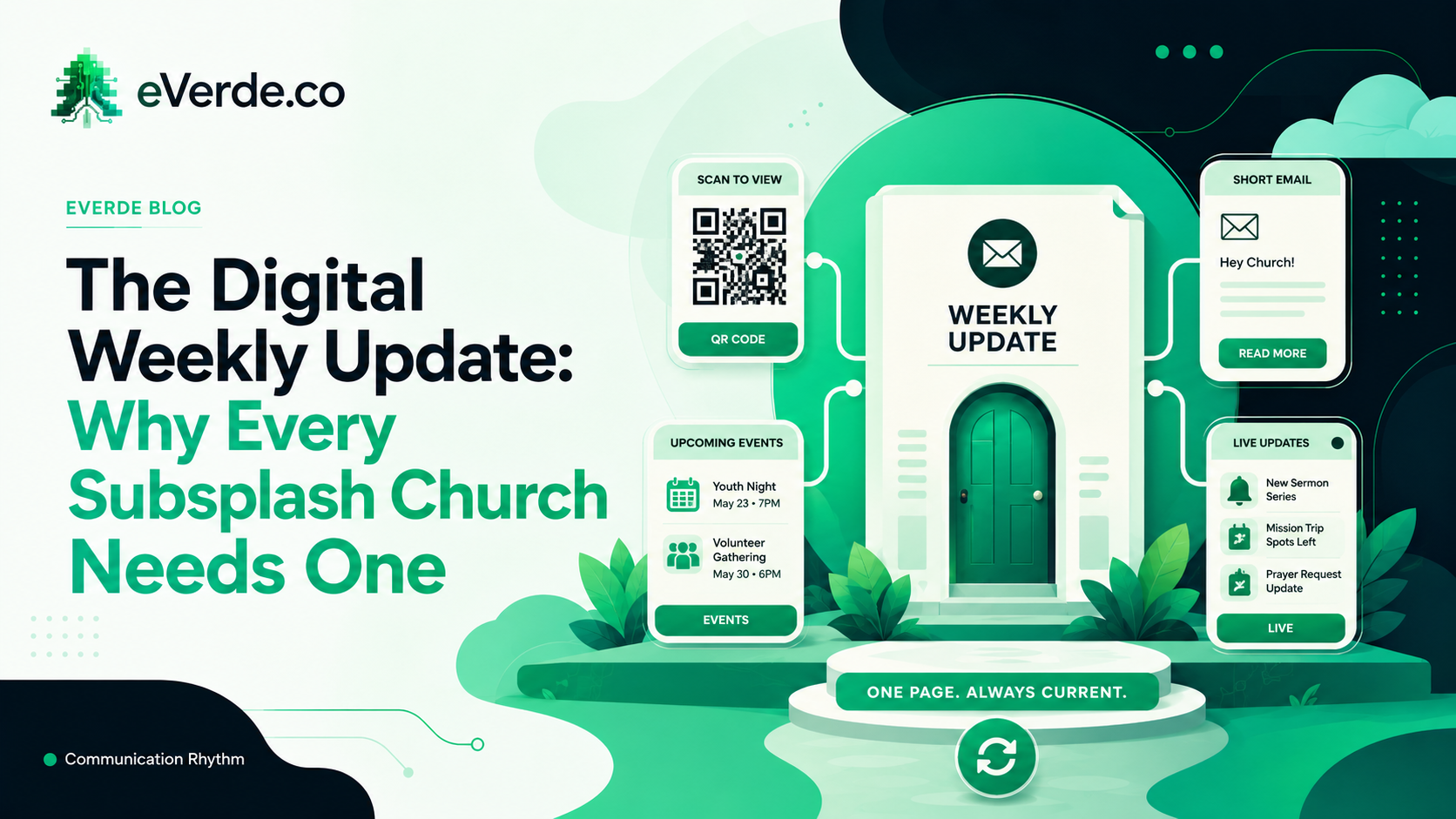
The Digital Weekly Update: Why Every Subsplash Church Needs One
Here is a trick question: when does a paper bulletin go out of date? The answer is when you hit print. When does an email go out of date? When you hit send. A digital weekly update never goes out of date as long as you update it.
Read more
Why Every Event Matters (and How to Keep Graphics Simple)
Many churches struggle with event overload and the pressure to design graphics for everything. The solution isn't fewer events — it's smarter communication. Learn how to keep graphics simple, value every ministry, and create a calendar system that works.
Read moreAbout Reed Verdesoto
I'm Reed Verdesoto, an independent Subsplash architect. I've built custom apps, websites, and communication systems for 500+ churches, ministries, and organizations, and I help teams turn a scattered digital presence into one that actually works and keeps working.
If something on your setup feels broken, disconnected, or harder than it should be, reach out. I'd rather have a real conversation about what you're dealing with than sell you a package.
Get in touchOriginally published on reedverde.com